Put Yourself Inside Any Viral Trend
Upload a photo, pick a viral format, and Reelr generates a short video that follows the motion, pacing, and style of the trend.
Selected template
Cinematic Walk
Output
8s / 9:16
How to make an AI trend video with Reelr
Creating a trend video is simple: choose the movement, upload your image, and let AI turn it into a short-form clip built for TikTok, Reels, and Shorts.
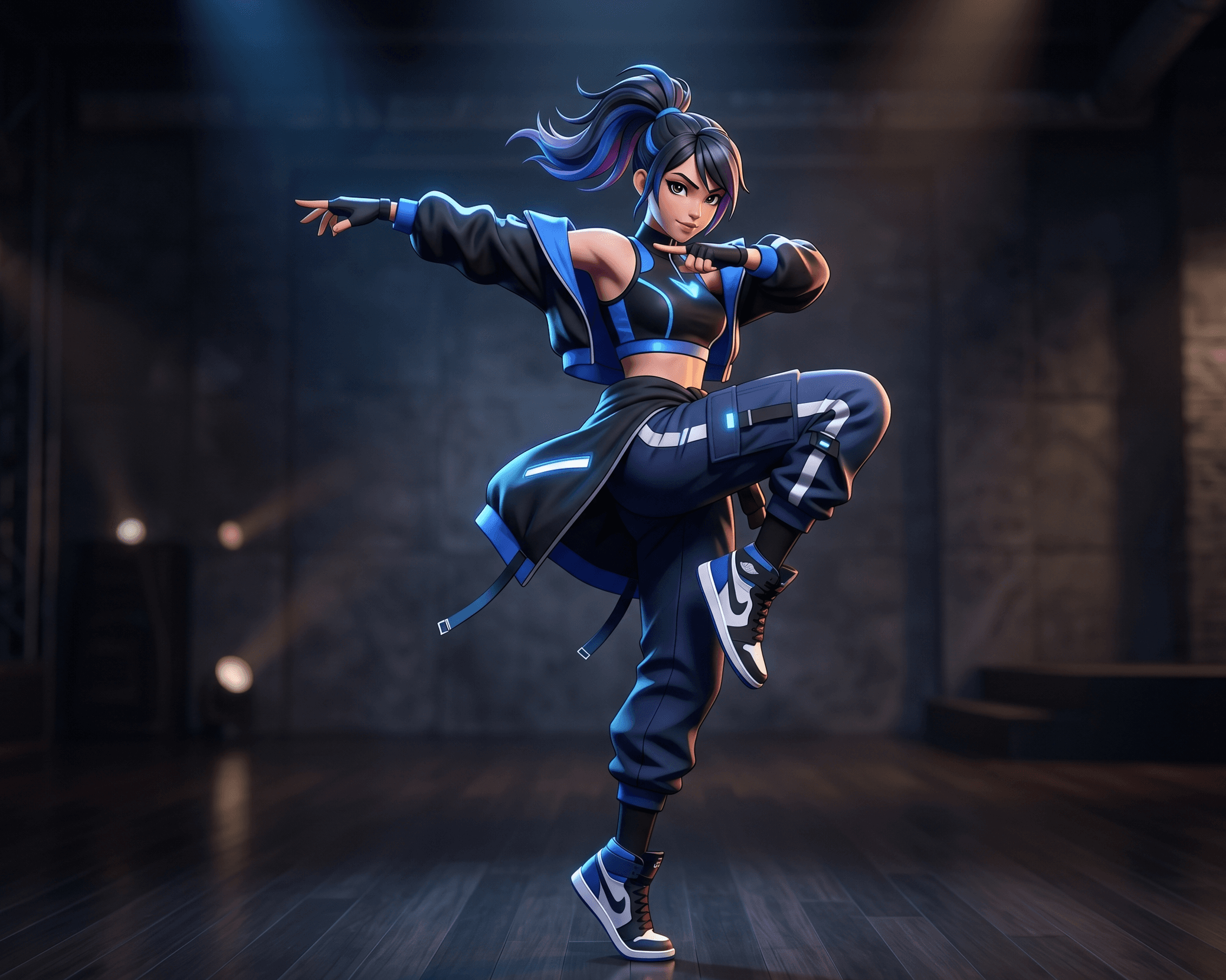
Pick a viral format
Start with a trending theme or paste a public short-form video link as your motion source.
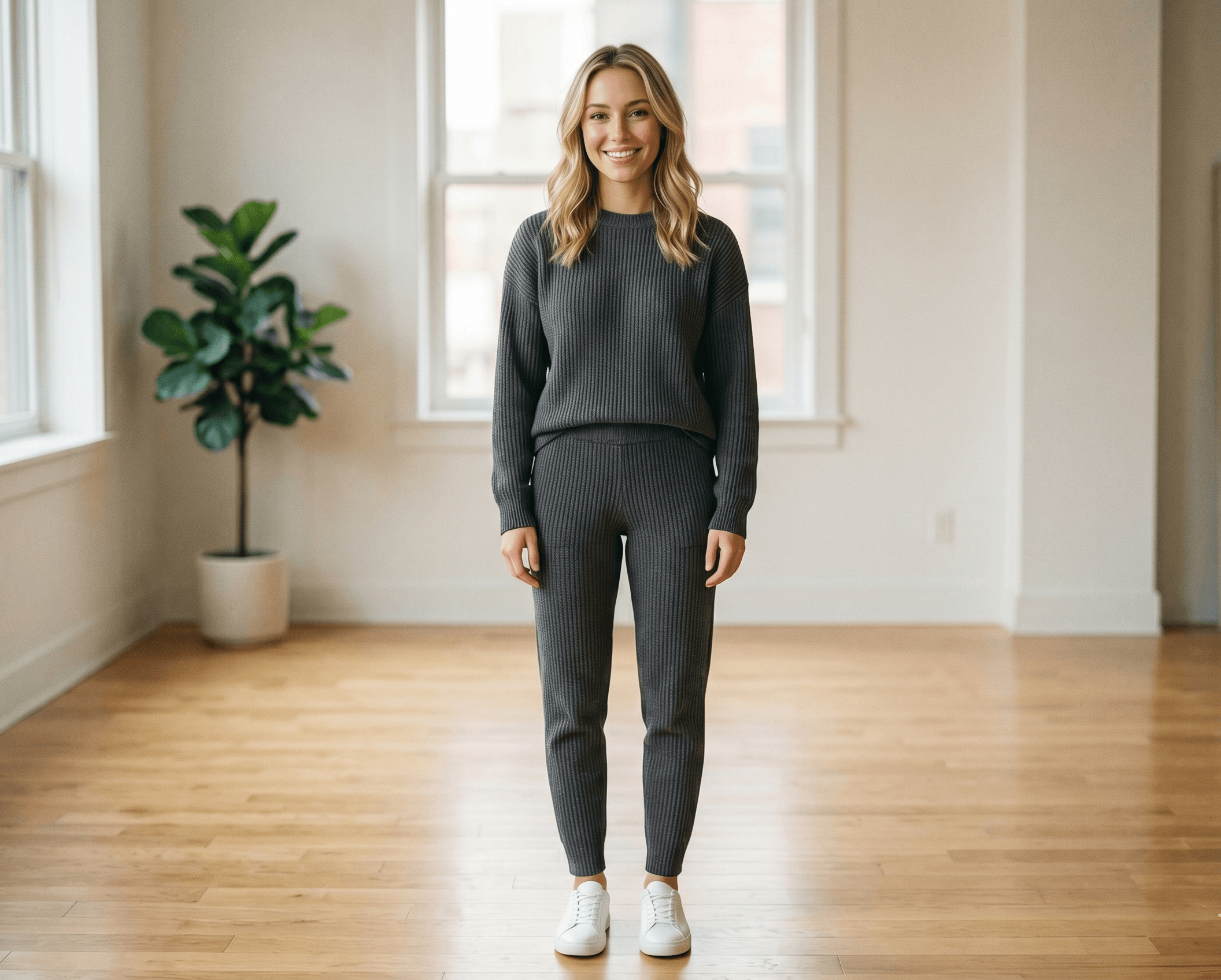
Upload your photo
Add the person, product, or character you want to place inside the trend.
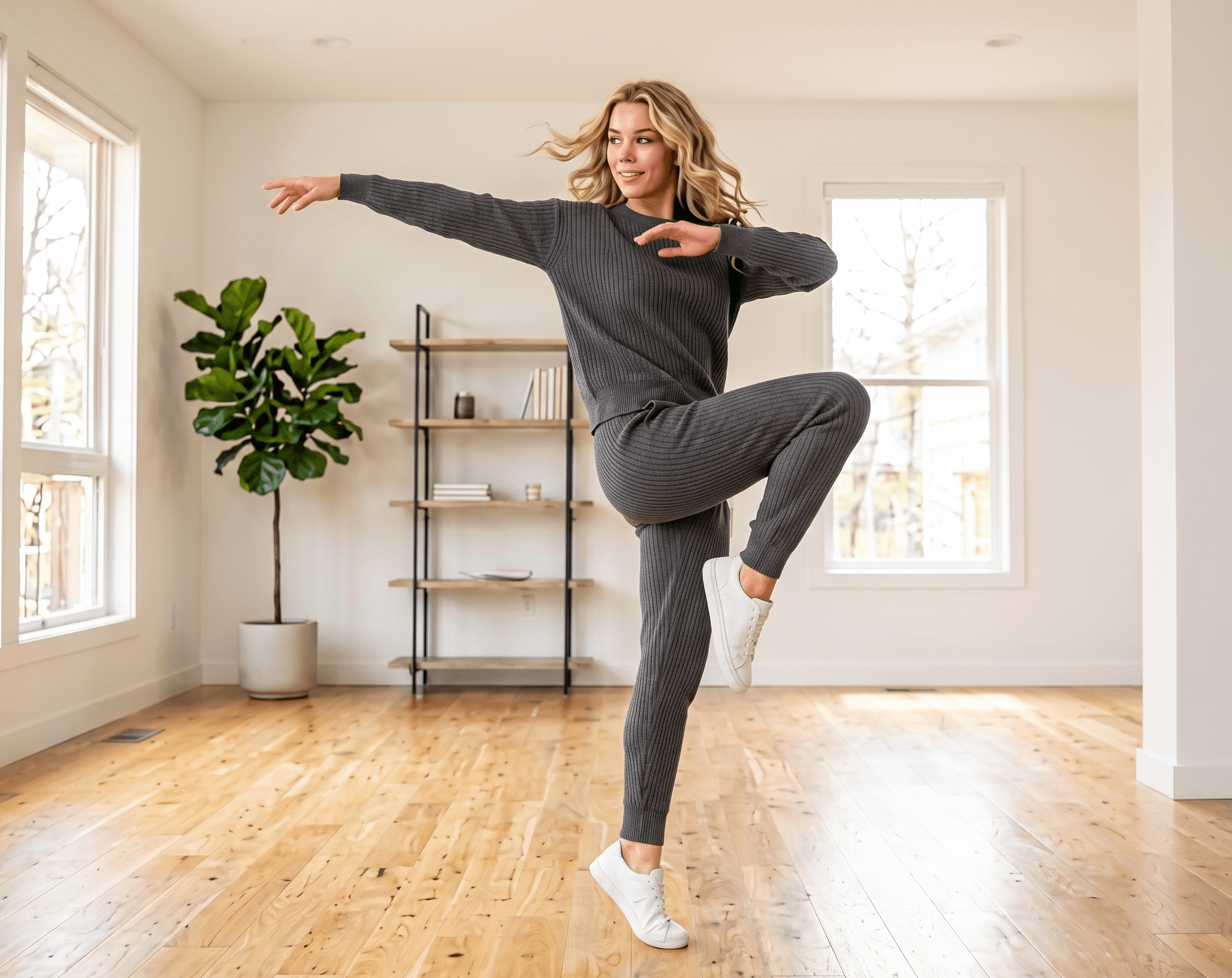
Generate the video
Reelr creates a downloadable short video with matched motion, camera feel, and timing.
Join viral trends without filming from scratch
Reelr is designed for trend participation: quick inputs, familiar formats, and outputs made for short-form platforms.
Built for trend replication
Start from formats people already recognize instead of trying to invent a video idea from scratch.
Simple enough for one-photo creation
Choose a trend, upload an image, pick intensity, and generate. That is the core flow.
Flexible when users want control
Bring a reference video or public short-form URL when you want a more specific motion match.
Find viral trend templates
Start from a recognizable trend format, then make it yours with your own image and motion settings.
More AI video tools inside Reelr
The trend generator is the main flow today, with more creation modes ready as the product expands.
Trend Templates
Start from ready-made viral formats and generate with one image.
Image to Video
Turn a static photo into a moving short-form clip.
Motion Control
Use a reference clip or URL to guide the movement.
Custom Prompt
Describe the trend video you want when presets are not enough.
Product Shorts
Create trend-style clips for products, offers, and UGC ideas.
Download & Share
Export your generated short and post it wherever you want.
Start creating
trend videos
Choose the access period that fits how often you create.
Weekly
Try Reelr for a week
Monthly
Best for regular creation
Yearly
Save with annual access
Frequently Asked Questions
Can't find the answer you're looking for? Reach out to our customer support team.
What is Reelr?
Reelr is an AI trend video generator. It helps you recreate short-form video trends using your own image, a selected theme, or a reference clip.
How do trending themes work?
Pick a preset trend, upload your image, choose intensity, duration, and aspect ratio, then generate. The theme already contains the motion and camera direction.
Can I create my own trend?
Yes. Create Your Own mode lets you upload a reference image and a motion reference video, or paste a supported public short-form video link.
How long does generation take?
Most generations depend on the external video model and can take around 30 to 90 seconds. The app shows progress while your video is being prepared.
What formats can I export?
Reelr focuses on short-form formats first, especially 9:16 for TikTok, Instagram Reels, and YouTube Shorts. Square and landscape options are also supported in the generator.
Am I the owner of the videos?
You can download the generated videos and use them for your own social channels or client work, subject to the rights of any reference media you provide.
Do I need to write prompts?
No prompt is required for trending themes. Custom mode is available when you want more control over the motion or style.